

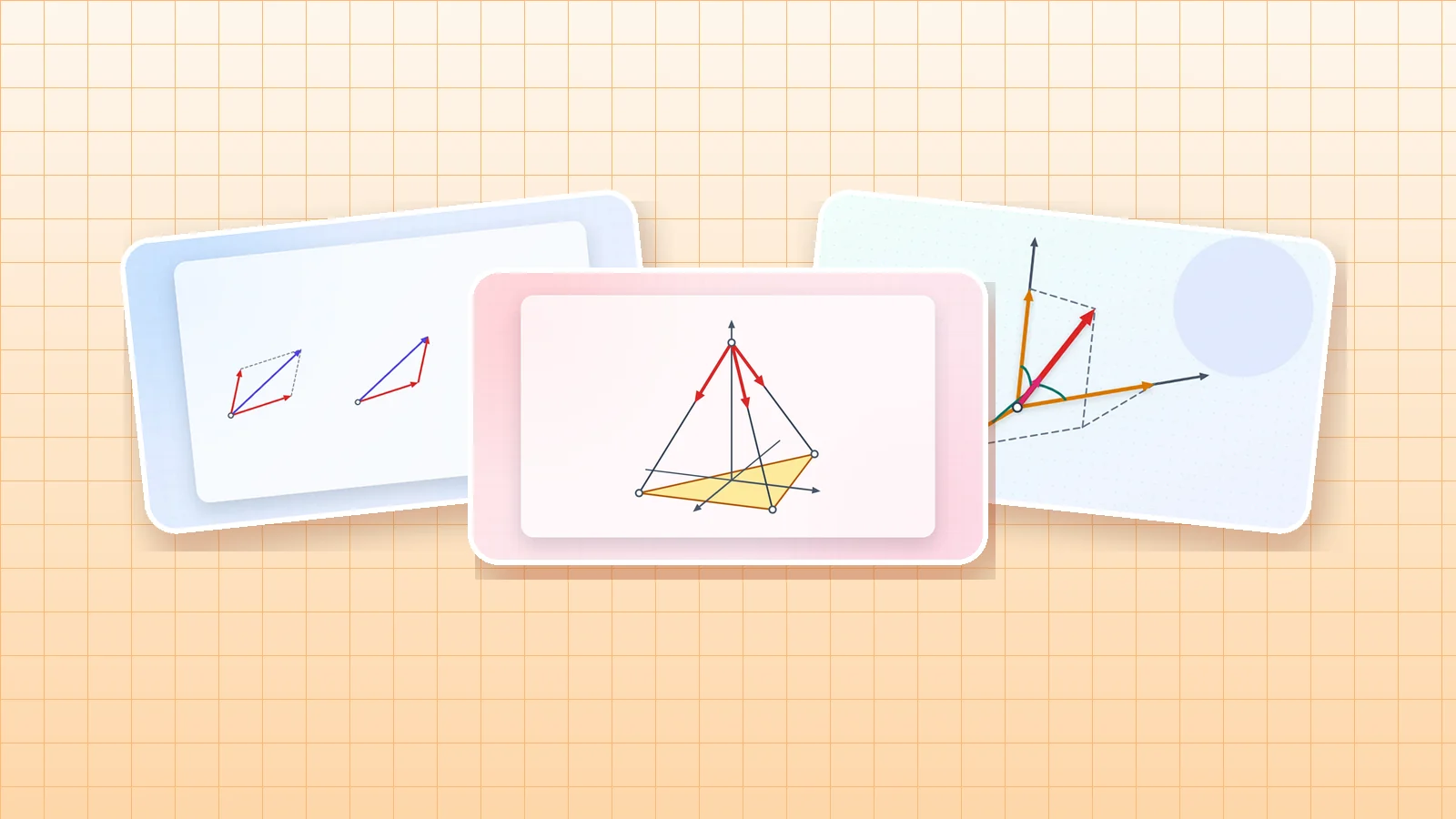
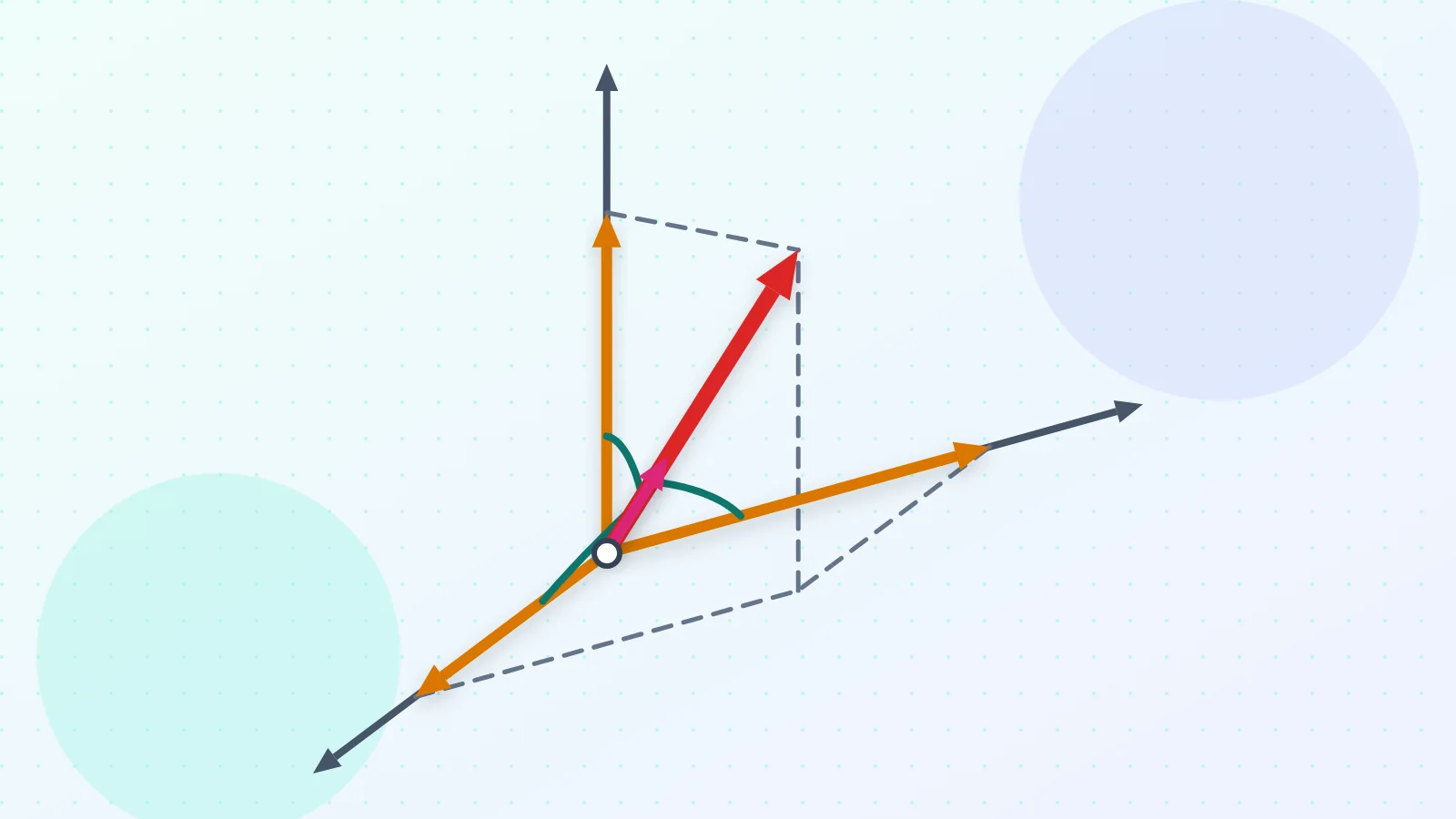
3D Force Vector Builder describes a force in space in every way a statics problem gives it: by components, by its three direction angles, by two angles θ and φ, or by two points on its line. Turn the 3D drawing with the mouse or a finger, and add several forces into one resultant.
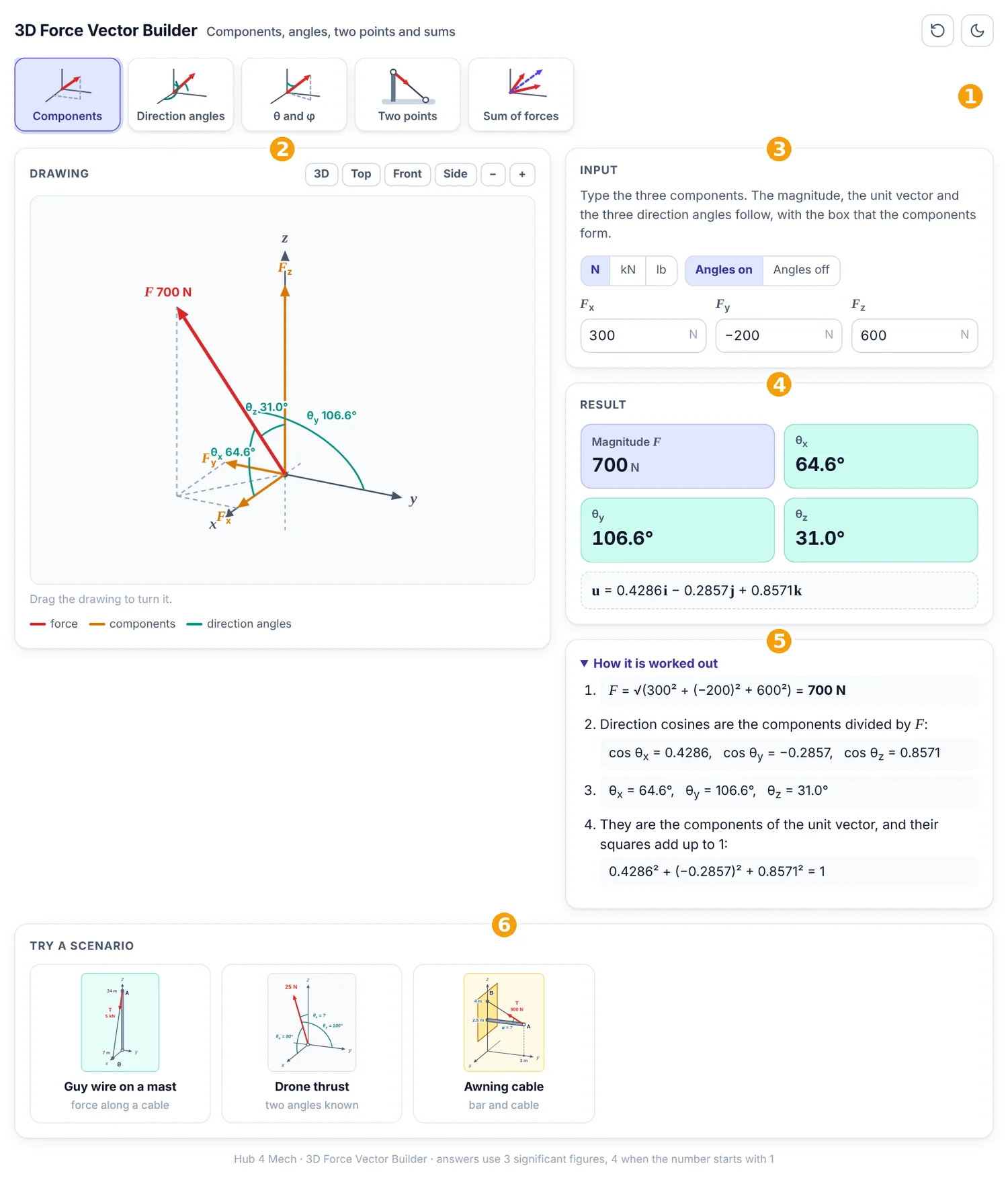
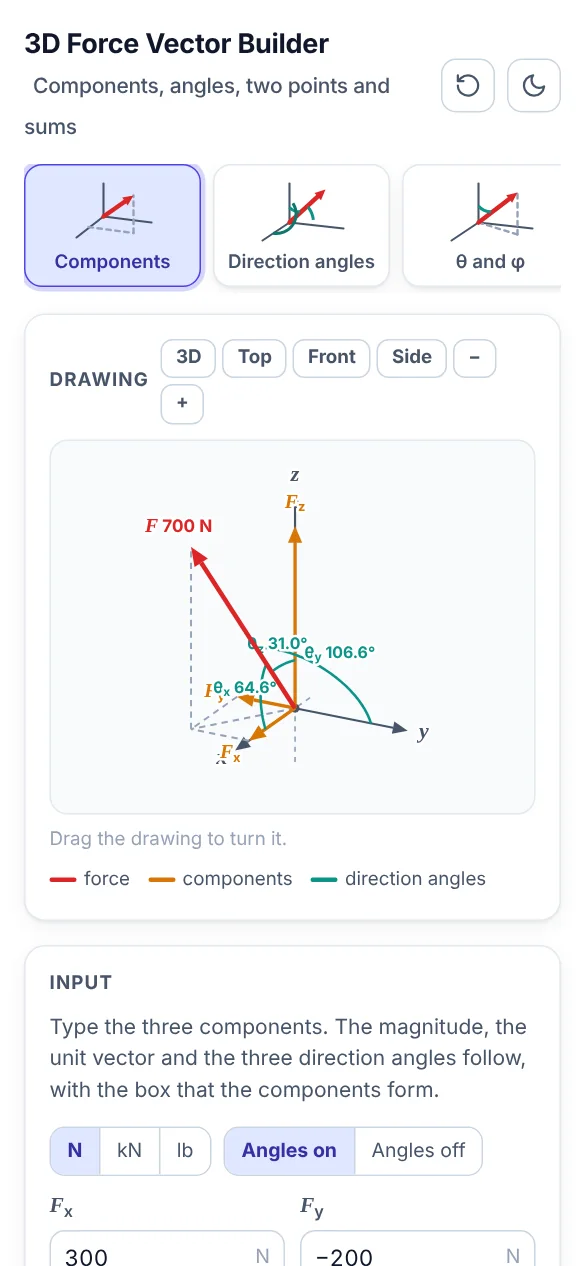
The numbered parts in Figure 1 are:
- Picture tabs: each tab is one task; the picture on it shows what the task draws.
- Drawing: the forces, drawn to scale and updated as you type.
- Input: the values of the task. Units can be N, kN or lb.
- Result: the answers, rounded to three significant figures (four when the number starts with 1).
- How it is worked out: every step of the calculation with your numbers.
- Scenarios: ready-made real situations; one click fills in the values.
1. Components
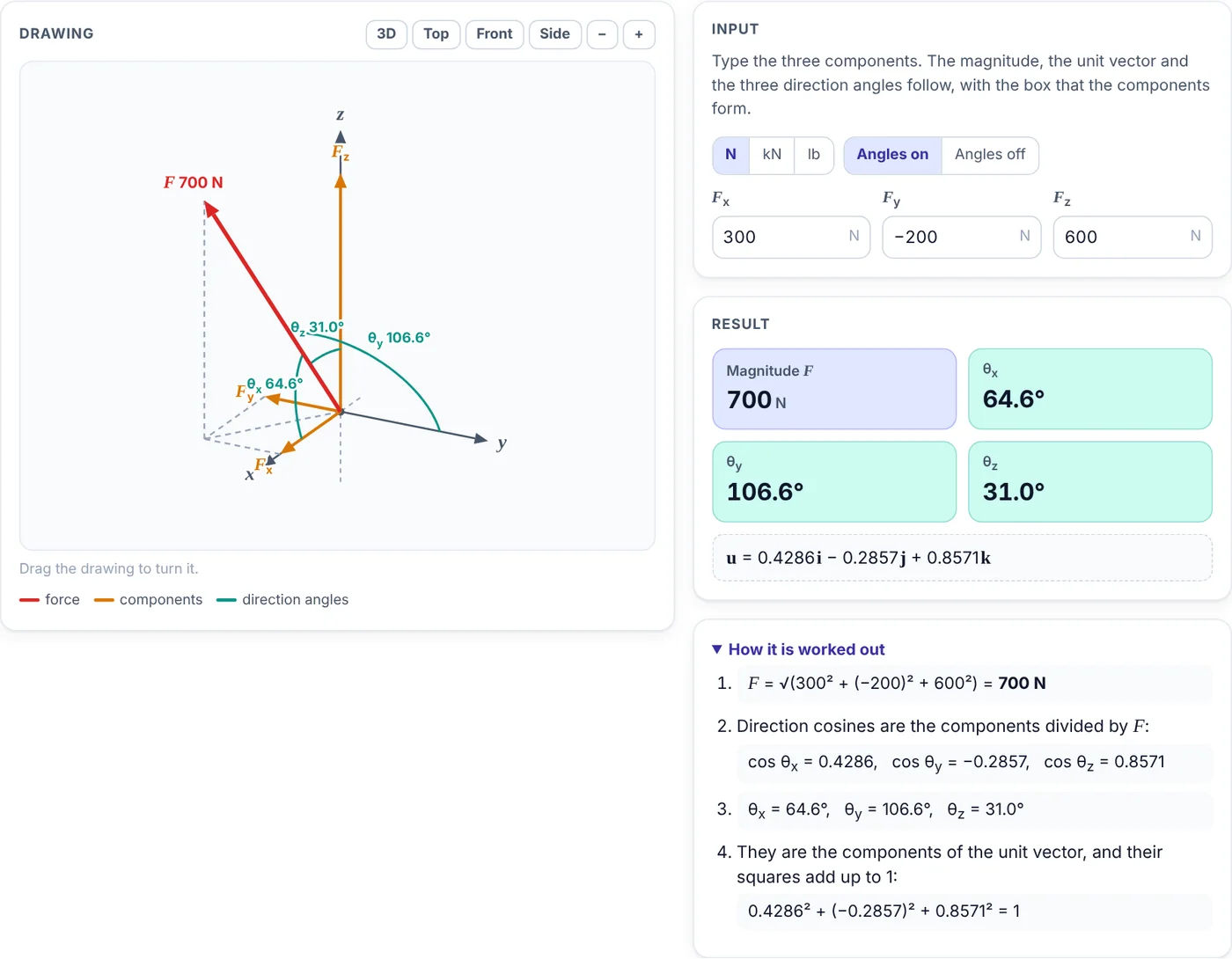
Type Fx, Fy and Fz; the magnitude, the unit vector and the direction angles follow.
- Type the three components.
- Turn the drawing; the dashed box shows how the components build the force.
- Switch the angle arcs on or off.
2. Direction angles
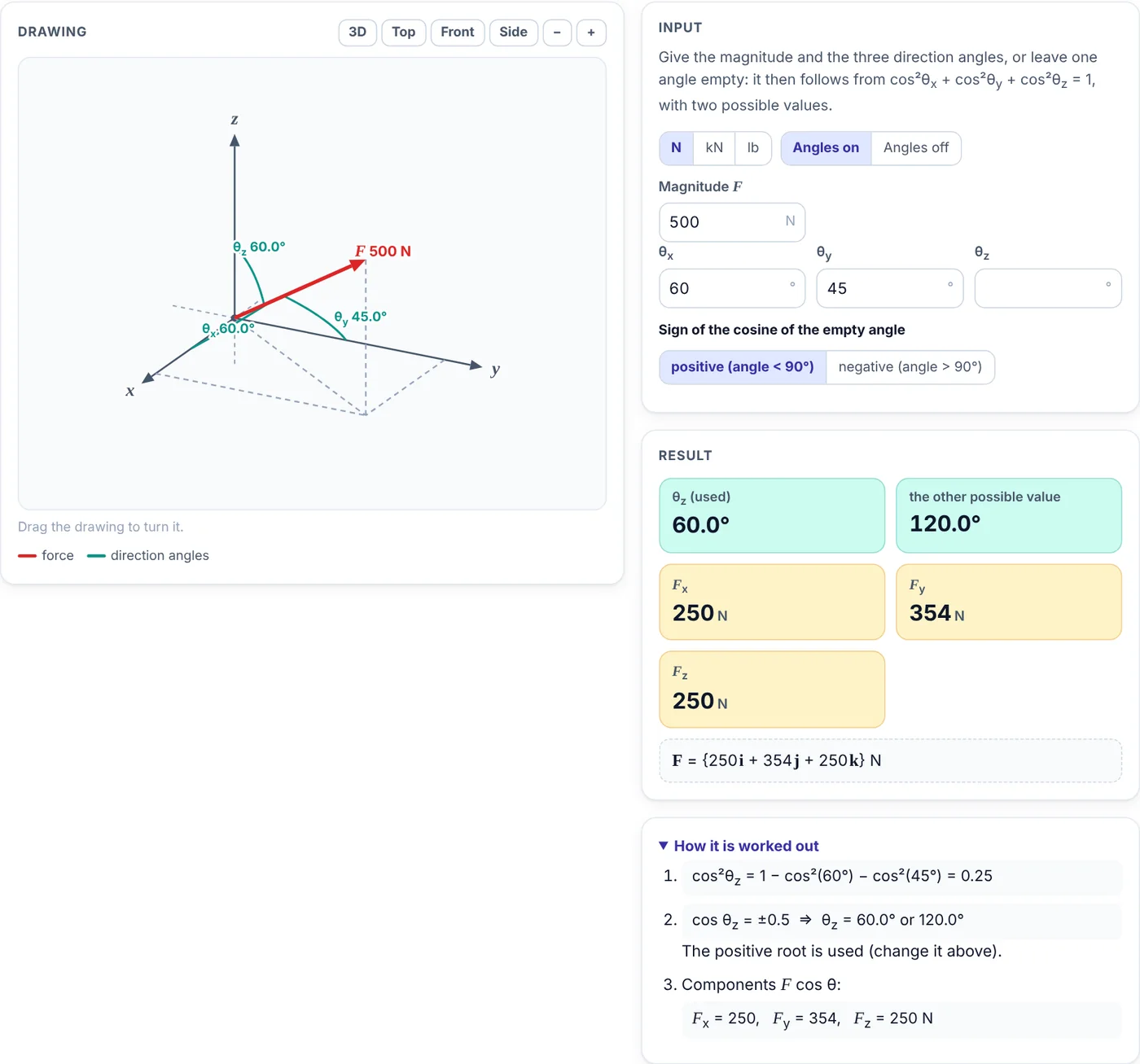
Give the magnitude and the three angles, or leave one angle empty: it follows from cos²θx + cos²θy + cos²θz = 1.
- Type the magnitude and two or three angles.
- If one angle is empty, choose whether its cosine is positive or negative; both possible values are shown.
- If all three are given, the app checks that their cos² add up to 1.
3. θ and φ
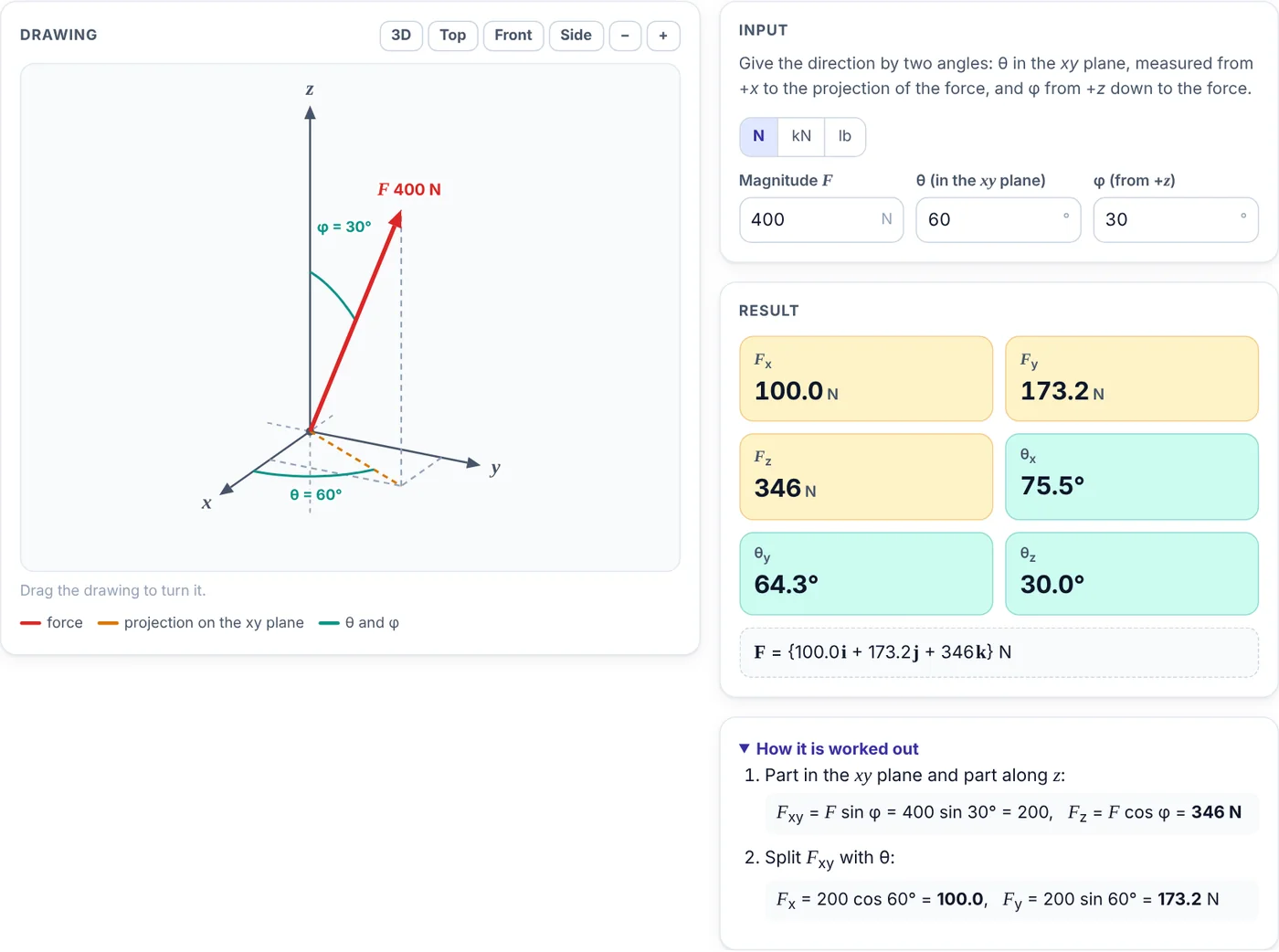
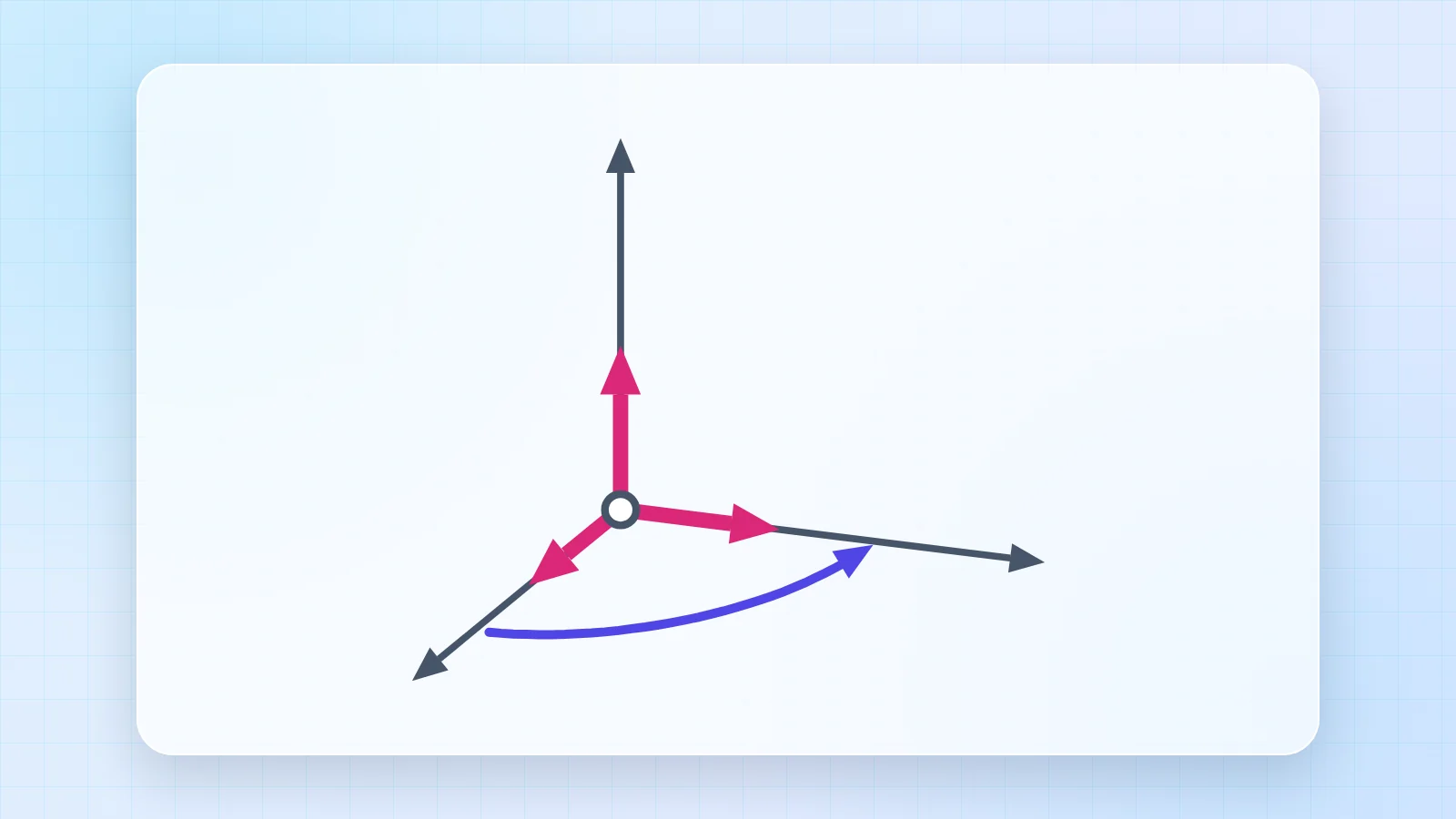
θ is measured in the xy plane from +x to the projection of the force, φ from +z down to the force.
- Type the magnitude, θ and φ.
- The orange dashed line is the projection of the force on the xy plane.
- The steps split F into F sin φ in the plane and F cos φ along z.
4. Two points
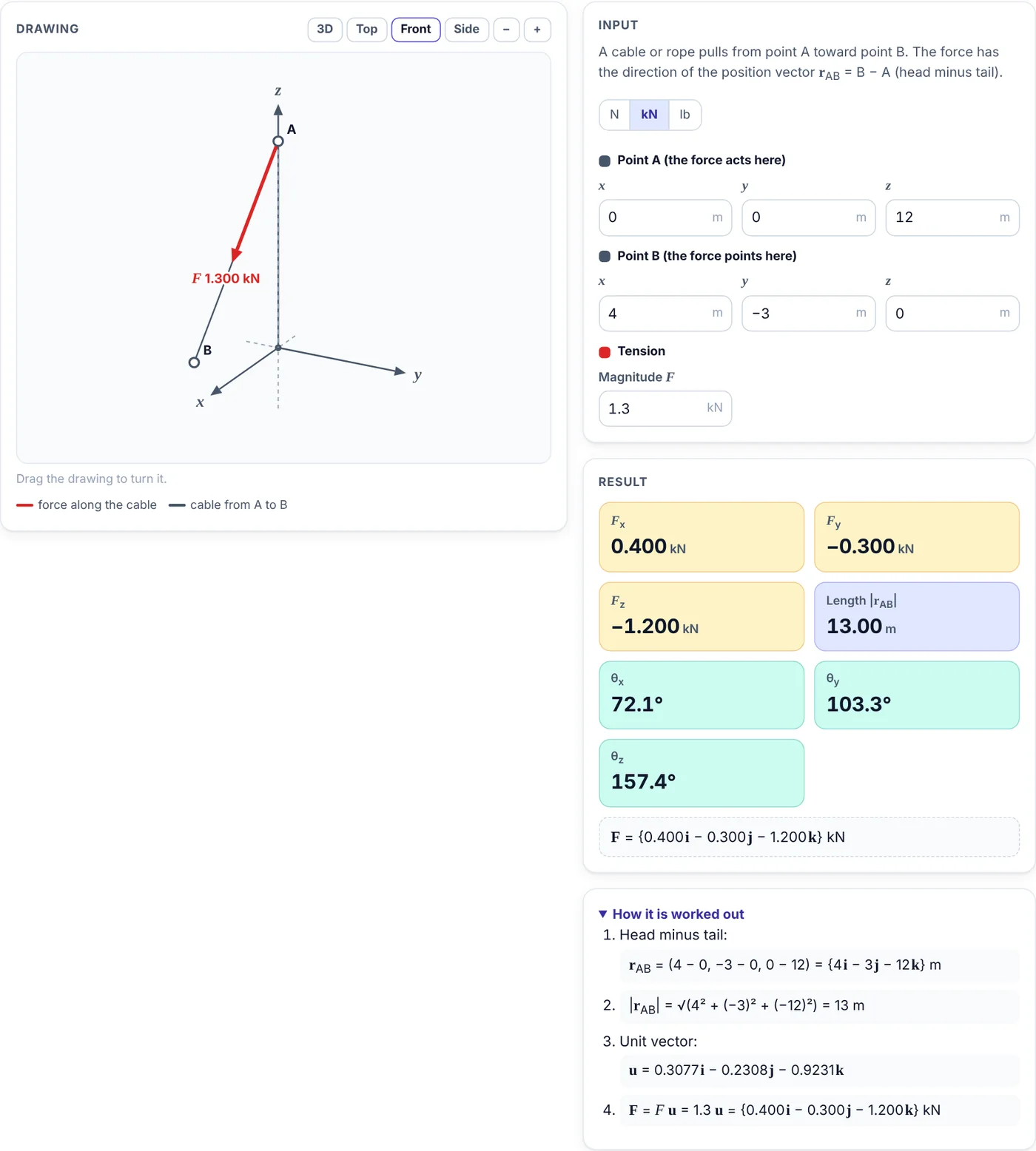
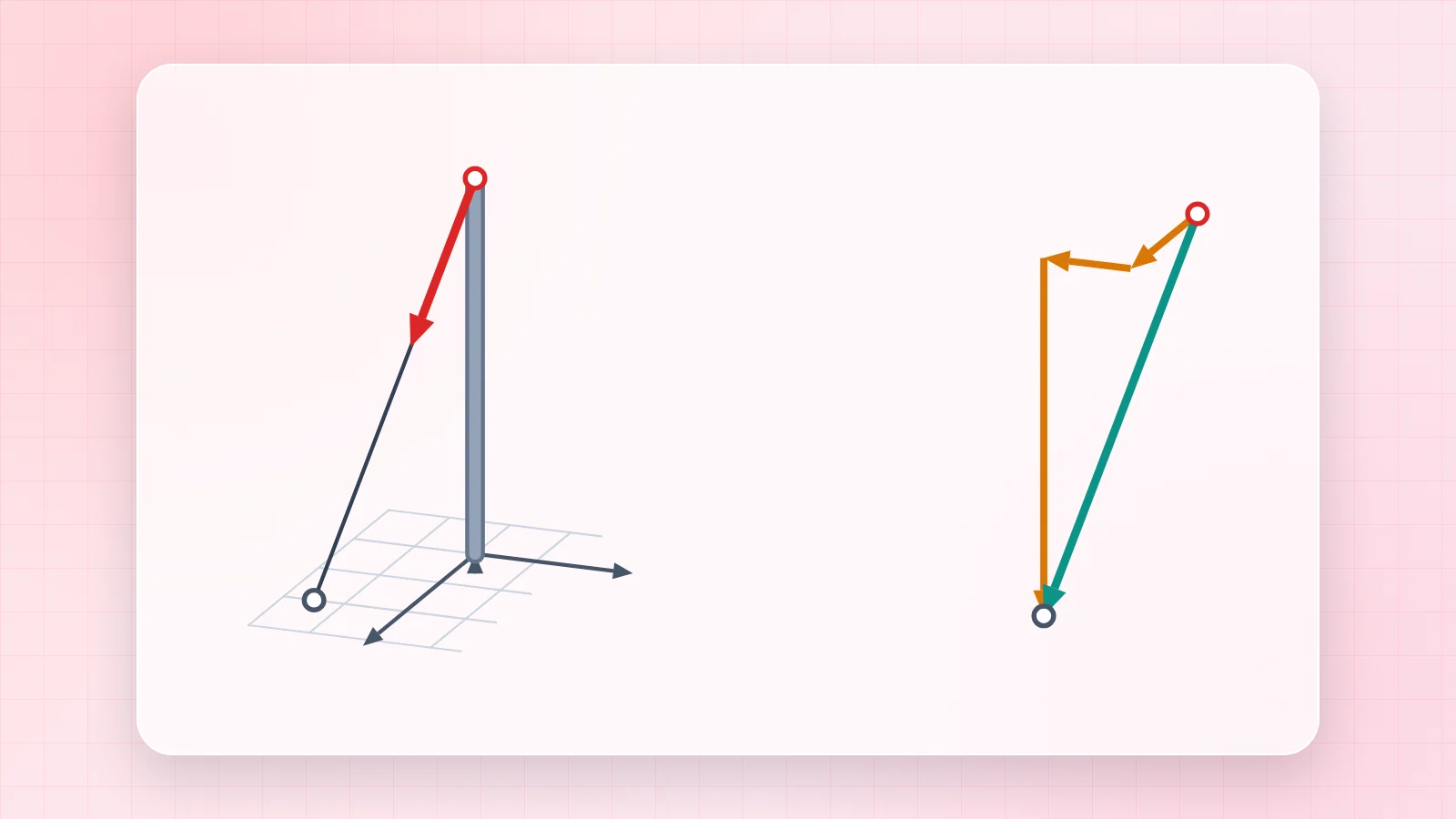
A cable pulls from point A toward point B. The force follows the position vector from A to B.
- Type the coordinates of A (where the force acts) and B (where it points), and the tension.
- Read the components of the force and the length of the cable.
- The steps show head minus tail, the unit vector and F = Fu.
5. Sum of forces
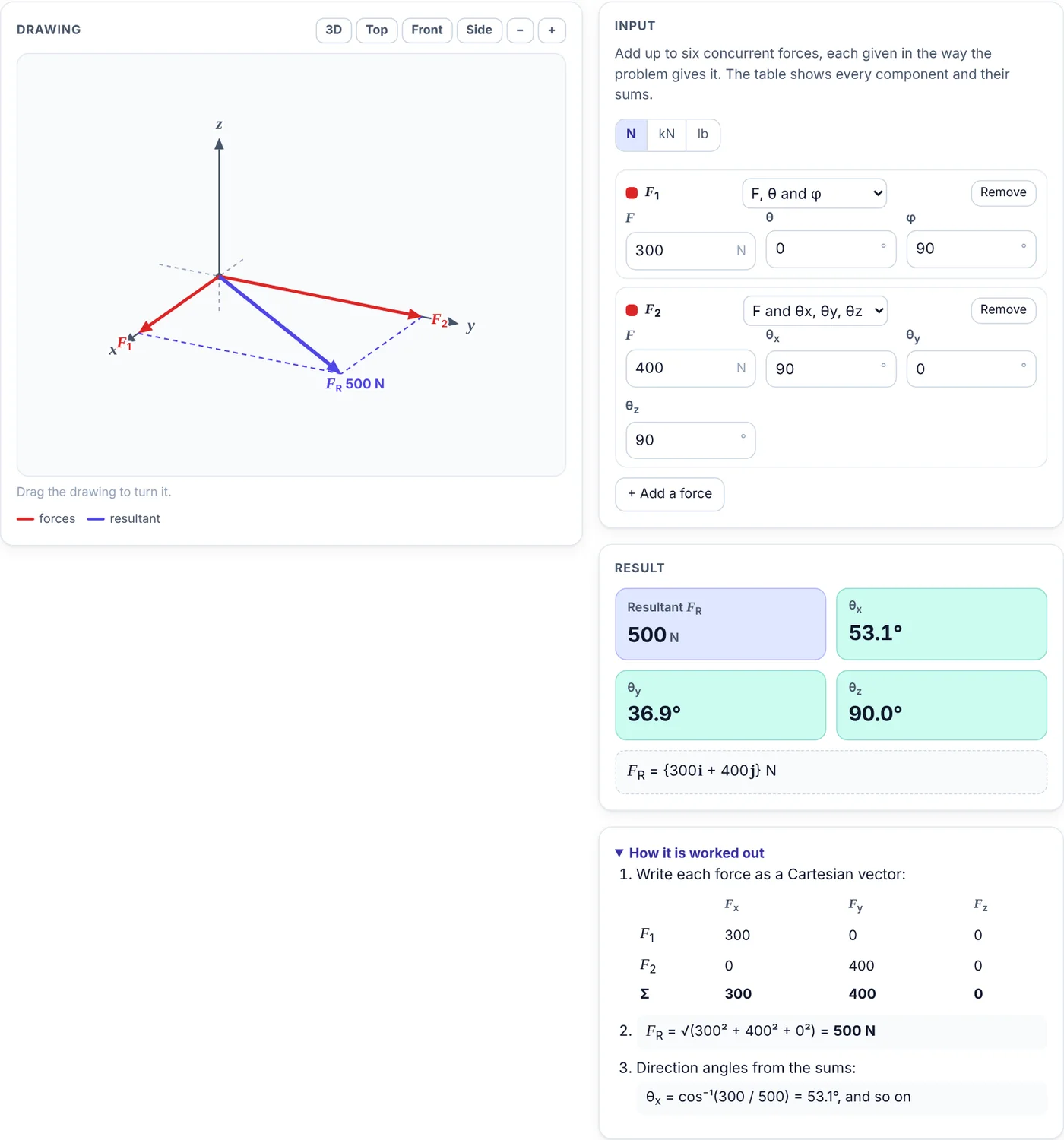
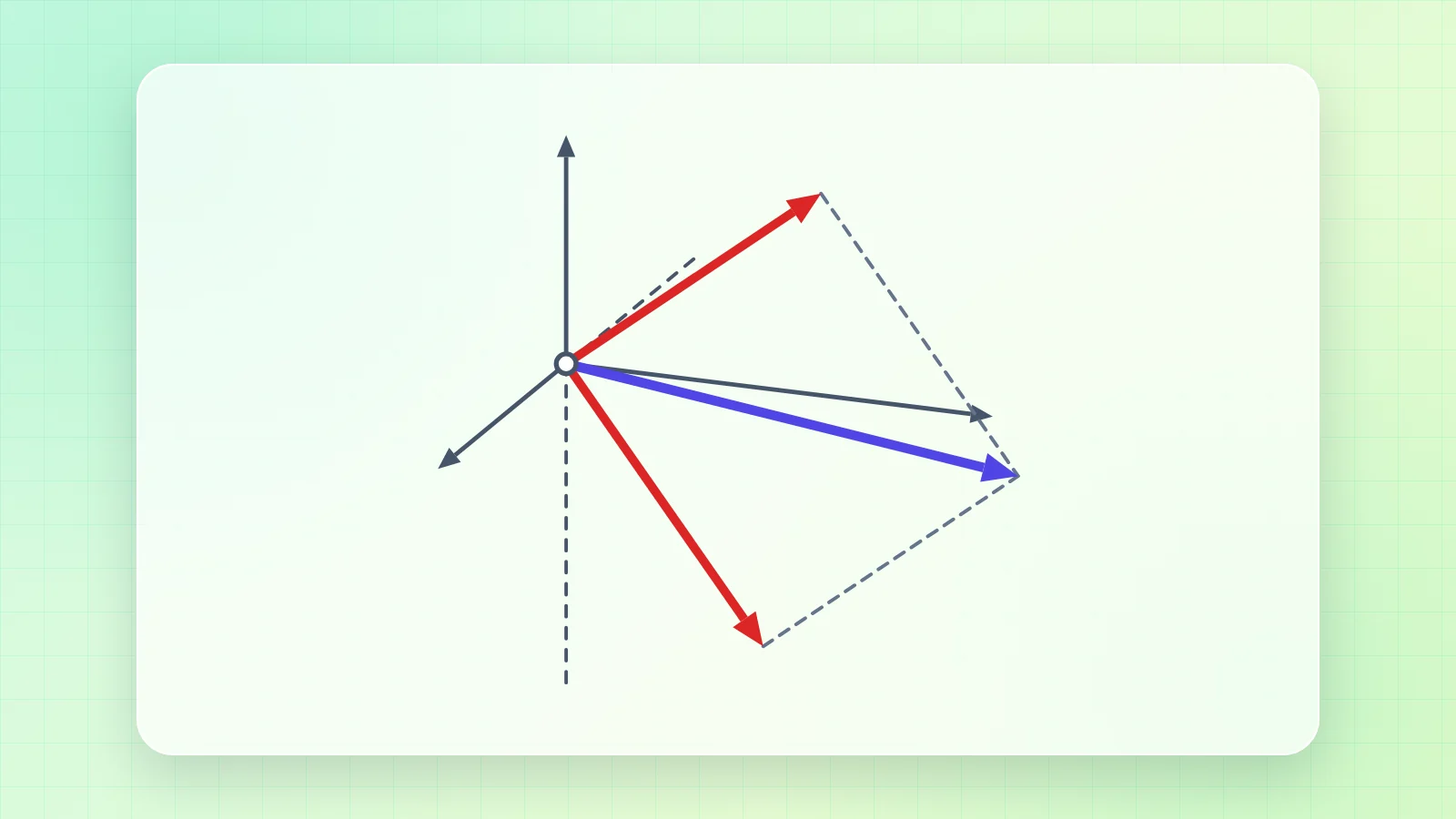
Up to six forces meet at one point; each can be given in any of the four ways.
- Add forces and choose how each one is given.
- The table in the steps lists every component and the sums.
- Read FR and its direction angles.
6. Scenarios and phones
The scenarios load a guy wire on a mast, the thrust of a drone and the cable of a shop awning. Each scenario opens the right tab and fills in the values, so you can change them and see what happens.
On a phone the drawing comes first and the input, result and steps follow below it. Swipe the picture tabs sideways to see all of them.
7. Tips
- The button with the circular arrow resets the open tab to its starting values; the moon or sun button switches between the light and dark themes.
- Your last values stay in the browser, so the app opens where you left it.
- Angles are measured counterclockwise from +x unless a tab says otherwise.





Comments 0
Ask how to use this app, report an issue or suggest an improvement.
Join the discussion
Log in to comment, reply and vote. It is free.
No comments yet
Ask a question, share a tip or say thanks. Be the first!