



App
Unit Converter for Engineering: SI and U.S. Units
Convert length, area, volume, force, stress, torque, speed, temperature, time, angle and moments of inertia between SI and U.S. units, with steps.
1
21
0
0
0
0

Learn engineering mechanics with notes, problems and live apps, and run your own class on them.
Courses
Each course gathers its notes, problems and apps in one place. Statics is open now; the other courses are being written.
Stress, strain and deformation of bars, shafts and beams under axial load, torsion and bending.
Motion and the forces behind it: kinematics and kinetics of particles and rigid bodies.
Stress and strain in three dimensions, the equations of elasticity and their classic solutions.
For teachers
A class is a closed space for one group of students, built on the same notes, problems and apps.
Add our content or your own private material; whole sets come in item by item.
Mark items as required; students unlock the next one when they finish.
Who read, who solved, who is stuck.
Auto-checked problems, deadlines, a gradebook you can export.
Have a code from your teacher?
Name the class and choose who may join.
Bring in a set or pick notes, problems and apps one by one.
Students join with the code or the invite link.
Try it live
Interactive engineering tools run right in your browser. Change the inputs and get the results at once, with nothing to install.
Runs in your browser. Nothing to install.Open full app
Why Hub 4 Mech
Read notes and use interactive apps without registering. Create an account when you need progress tracking, answer checking and community features.
Notes list the textbooks they are written from, and new content is reviewed before it is published.
With an account, check your answer at once and open the step-by-step solution when you need it.
Tags and prerequisites link notes, problems and apps, so you always know what to read next.
Teachers build classes on the same content, set the order and follow their students' progress.
Contributors
Educators and professionals who write, develop and review the resources on Hub 4 Mech.
Recently added
The latest additions across the site, or the ones read most.
Convert length, area, volume, force, stress, torque, speed, temperature, time, angle and moments of inertia between SI and U.S. units, with steps.
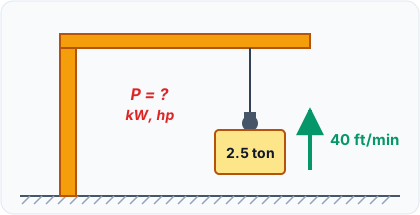
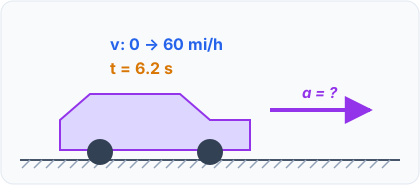
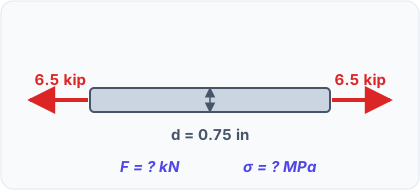
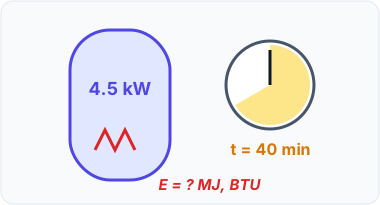
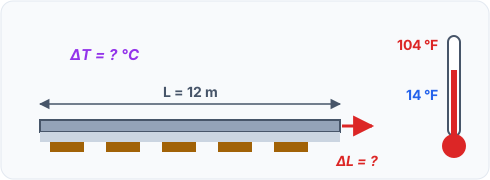
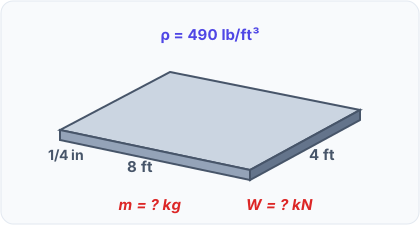
Convert length, area, volume, force, stress, torque, speed, temperature, time, angle and moments of inertia between SI and U.S. units, with steps.

Mechanics explains how bodies respond to forces. Learn its branches, how statics differs from dynamics and why statics comes first.
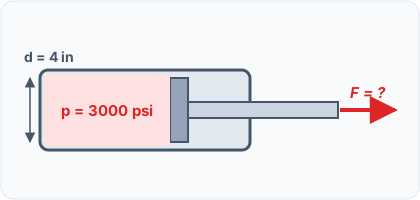
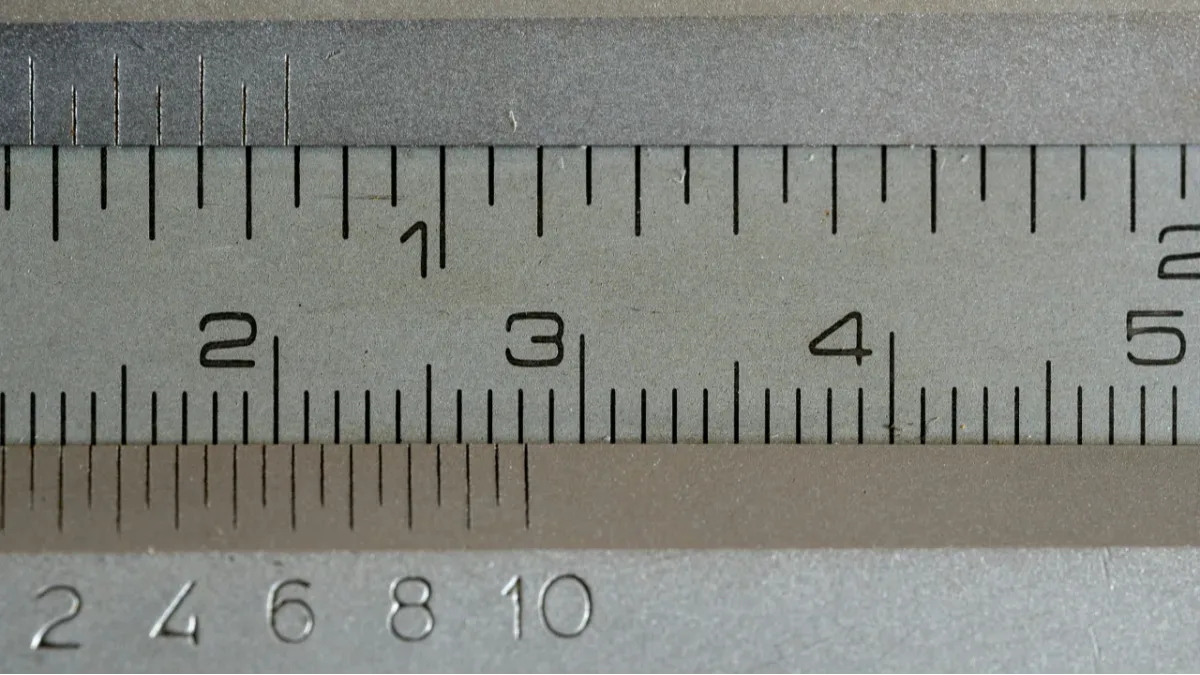
Convert any unit with ratios equal to 1: step-by-step examples from length to temperature, and full conversion tables for 12 engineering quantities.
Topics
Every tag collects the notes, problems and apps about it.
Questions
Short answers to what new visitors ask most.
Everyone. Every note, problem and app is open to read and use, and there are no ads. You can read the notes and run the apps without an account; an account lets you check your answers.
Statics is open now. Mechanics of Materials, Dynamics and Elasticity are being prepared. The content is written for undergraduate and graduate engineering courses.
Solve the problem on paper, then enter your answer and check it at once (with an account). If you are stuck, read the notes it builds on or open the step-by-step solution.
You can check your answers and open the solutions, your reading progress and solved problems are saved, you can save content and build your own study sets, and you can join the discussion with comments and votes.
Academics and editors can create a class in My Hub > Classes. Give it a name, add notes, problems and apps (a whole set comes in item by item) and share the code with your students.
Yes. Every class has a code and an invite link. Students type the code on the Join page; you choose whether they come in at once or wait in a waiting room until you let them in.
A required item must be finished before the items after it open: a note read to the end, a problem solved, an app opened and marked as done. Items that are not required never lock anything.
Only you, and the students of the classes you add it to. Private content is not listed anywhere else on the site and never appears in search engines.
Notes are written from standard engineering mechanics textbooks and course material, and each note lists its sources. New content is reviewed before it is published.